
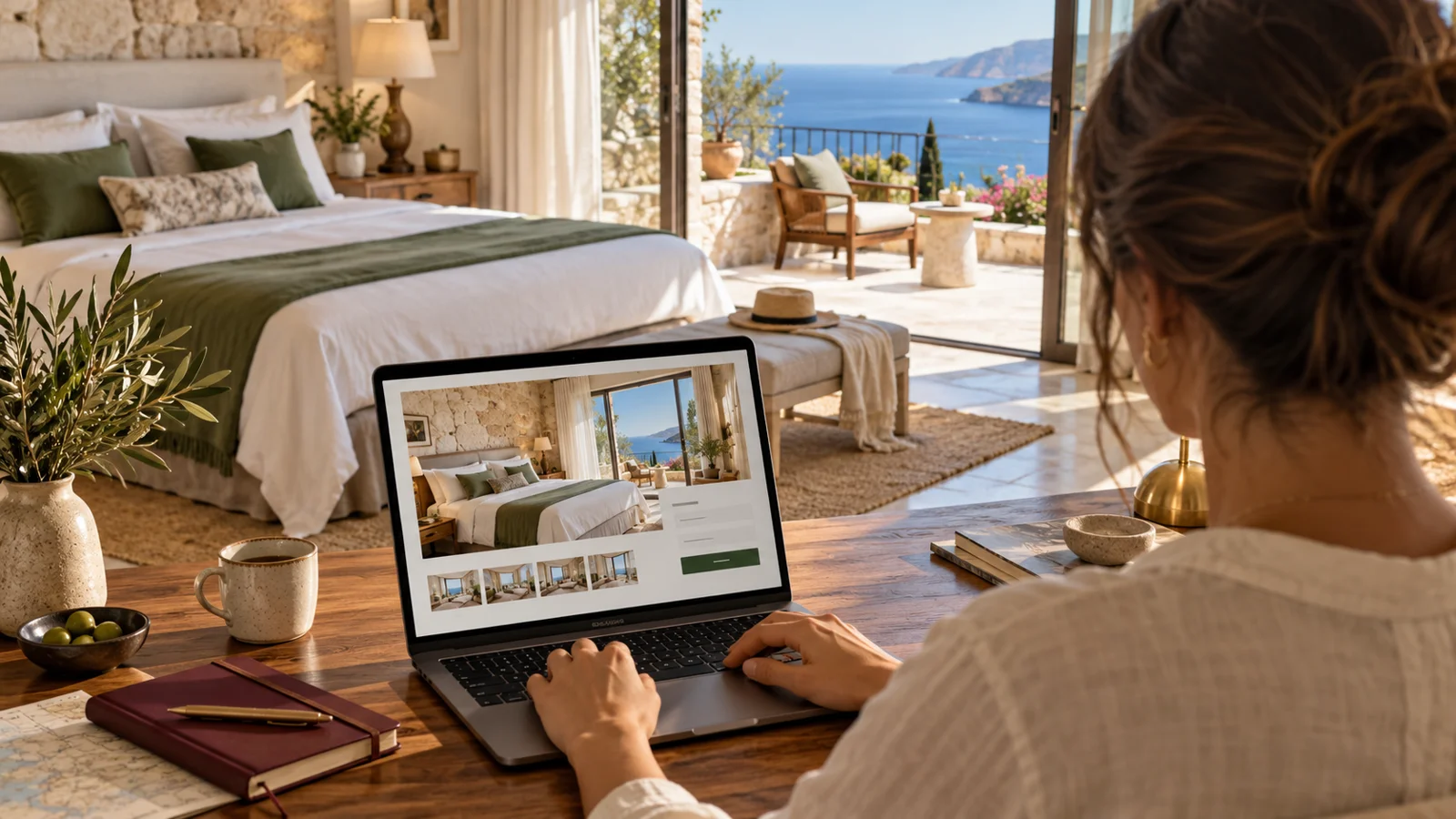
The Room Page Should Complete the Guest’s Decision
A guest may like your hotel yet hesitate to book without understanding which room suits them. A room page has a more concrete purpose than listing features under an attractive heading: it should explain how many people can stay, how they will sleep, what view they will have, what the price includes and what happens next. At Sosyal Zeplin, we treat the room page as a decision-making space where web design meets the hotel’s actual operations.
Clarify Your Room Inventory First
Before design begins, prepare one information table with the front-office and reservations teams. For each room category, record its name, size, bed options, maximum occupancy, bathroom layout, balcony and view. Record variations within the same category separately. Using different names in the booking engine and on the website makes comparison difficult. Clearly distinguish features available in every room from those provided on request.
What Information Belongs on the First Screen?
The room name, a representative photograph, short description, capacity and bed layout should be clear at first glance. If known, state the room size in square metres; do not estimate an unmeasured area. Highlight distinguishing features such as a balcony, sea view or separate living area. Do not repeat the general hotel introduction while leaving the main room information until the bottom. Keep the booking step visible without covering the information on screen.
Describe Capacity Beyond the Number of Guests
The phrase “triple room” does not explain the type of third bed. State whether an extra bed, sofa bed or separate single bed is used. Describe children’s and infants’ stays, cot requests and eligibility conditions according to the hotel’s actual practice. If a bed is available only on request, do not imply it is guaranteed. For families, bed layout may be as important a decision factor as room size.
The Photo Gallery Should Represent the Room Type
The first photograph should show the room as a whole, followed by another angle, the bathroom, any balcony and the actual view. Do not use a general hotel pool image as though it were a room photograph. If views vary within the category, explain this in the caption. Our previously prepared hotel photography and booking guide can help you create a shot list. Do not present stock or illustrative images as actual photographs of the room.
Separate Included Services from Conditional Features
The availability of Wi-Fi, air conditioning, a safe or minibar is different from whether they are chargeable. Clearly distinguish complimentary, paid and on-request services. If breakfast depends on a particular rate plan, do not describe it as an unchanging room feature. Show current conditions for seasonal areas and services offered at specific times. Icons alone can be ambiguous; support them with short explanations.
Keep Prices Connected to Their Conditions
Showing a date- and occupancy-dependent price without context can create false expectations. If a starting price is used, state the dates, occupancy and scope to which it applies. If cancellation, payment and included services vary by rate plan, clearly present them with the selected plan during booking. If real-time prices cannot be shown, direct guests to current availability. Do not leave outdated campaign prices on a page when they are unavailable at checkout.
Carry the Room Selection into the Booking Engine
After deciding on a room page, guests should not have to find the same room again on a general booking screen. If the integration supports it, carry the selected room category, dates and guest numbers into the next step. If it does not, explain what comes next. Check that room names and rate inclusions match when an external system opens. Test whether guests lose their selections when returning to the website.
Test an Actual Booking on Mobile
Does the photograph open on a phone, is the close button easy to find and is the text readable? Test the date and guest selectors on a real device. Check that a fixed button does not conflict with the cookie panel, chat bubble or on-screen keyboard. On slow connections, large images can delay access to booking. Prepare images for their display size and check quality; simply changing the file extension is not sufficient optimisation.
SEO Information Should Support Room Information
Write a clear title and unique description for each room category. Do not duplicate identical text by changing only the room name. Create meaningful links between room comparisons and relevant accommodation pages. Image filenames and alternative text should describe the photograph. Google Search Central recommends standard HTML images, descriptive alternative text and high-quality images that load quickly; these practices do not guarantee a particular ranking.
Describe the Same Product Across Languages
A room described as having a balcony in Turkish but a terrace in English may suggest different products. Manage room features from one source; during translation checks, compare bed type, capacity and price inclusions in particular. Where possible, keep visitors in the same room category when they change languages. Rather than hiding untranslated cancellation information behind a small link, provide understandable information throughout the booking journey.
Example Order for Room Information
A practical template can follow this order: room name and short description; overall photograph; occupancy and bed layout; room size; bathroom and view; inclusions; paid or on-request options; rate-plan conditions; availability step. This is a content-preparation sequence, not a list of actual features at a specific hotel. Fill each field with information verified by the organisation; do not fill unknown features with marketing copy.
Final Checks and Measurement Before Publishing
Have someone from the front office check room details, someone from the content team check language consistency, and the technical team check links. Assess room-page views, progression to booking and completed reservations separately. If an external booking engine is used, verify that the measurement connection actually works. Before-and-after comparisons may not be possible without changes in price, season or availability; do not attribute a single increase directly to page design.
Connect Web Design to Tourism Strategy
Treating the room page merely as a visual refresh is not enough. Within our web design service , we build the information sequence and booking steps together; through our 360 Tourism digital marketing approach, we connect these pages to advertising, content and direct-booking objectives. The aim is to clearly provide the information guests need to make a decision.
Official Technical Source
Technical recommendations for images were checked on 28 October 2026 against the Google Search Central image SEO guide . This guide is not a regulatory source for room capacity or pricing conditions; those details must come from the hotel’s own verified operational records.
Where should your brand start?
Share your website and priority. Let us define the scope together.