
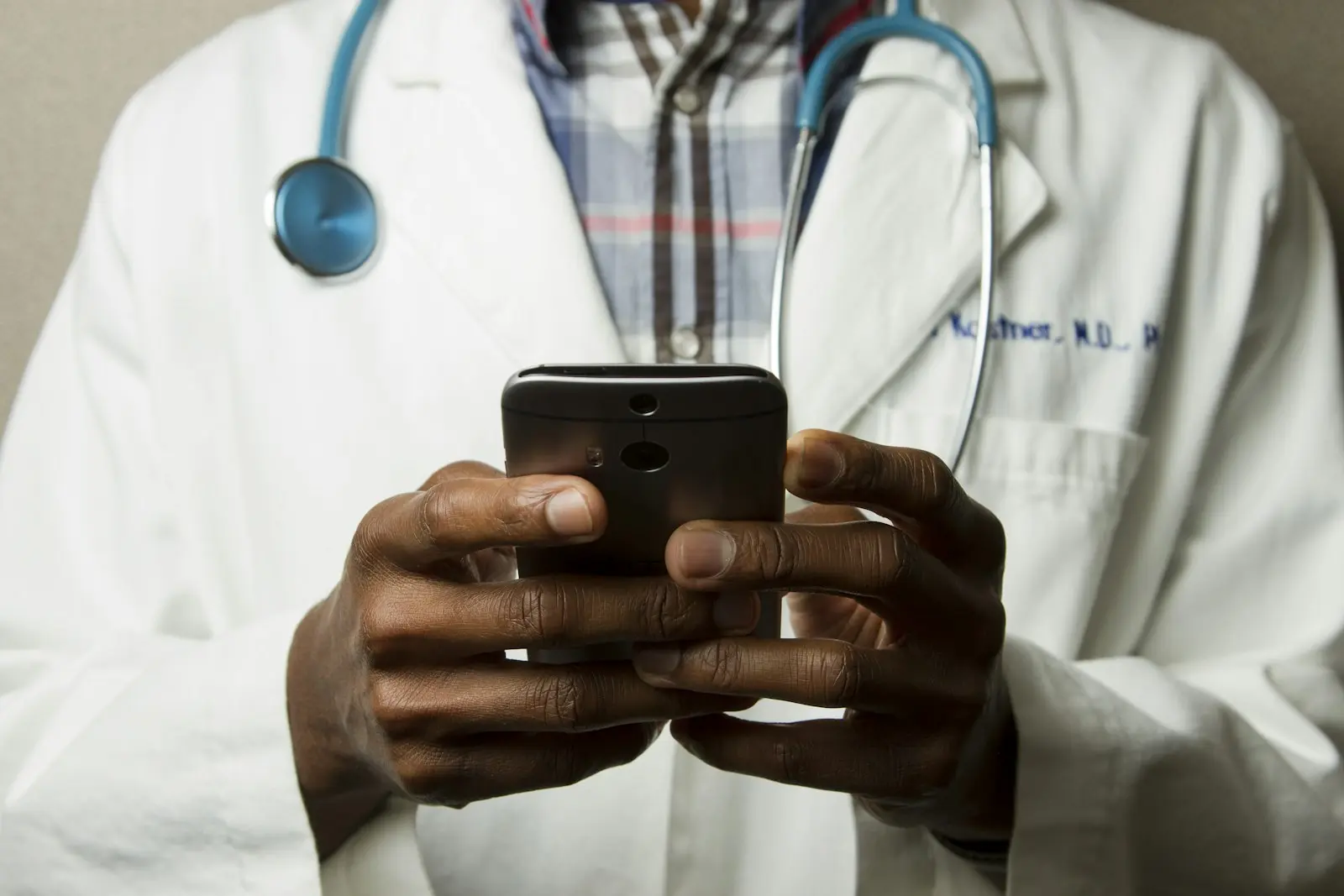
Today, patients expect fast, easy and uninterrupted access to doctors, clinics and healthcare services. Patient communication through WhatsApp and LiveChatis among the most effective digital touchpoints for speeding up the entire experience, from the first question to appointment confirmation.
Integrated with websites and social channels, these tools make it easier to request appointments, obtain general information about treatment processes and reach the right department. Adding a WhatsApp button alone does not ensure success. Response times, tone of communication, team organization, compliance with Turkey’s personal data protection law (KVKK) and conversation measurement must be planned together.
For the technical steps to add a button to your website, see our guide to adding a WhatsApp button to a website . For a more comprehensive user journey, plan the integration within conversion-focused healthcare web design .

Fast, effective patient communication in the digital age
Prospective patients often begin researching treatments on Google or social media. If they cannot see an easy contact option upon reaching the website, they may turn to another provider. Fast access is therefore an important appointment conversion factor as well as a satisfaction issue.
- Answering initial questions about services and doctors
- Directing people to the appropriate department or specialty
- Receiving and confirming appointment requests
- Sharing opening hours, location and directions
- Language and time-zone support for international patients
A personalized patient experience with WhatsApp
Using WhatsApp for clinicslets patients communicate on a mobile channel they already know. They can request appointments, find the clinic location and obtain information about administrative processes before treatment. Automated greetings and appointment reminders can help reduce missed appointments.
The key is balancing automation with human communication. An initial greeting can be automated, but personal or medical questions should reach the appropriate team member. Messages should be short, clear, empathetic and free of pressure.
A fast response builds trust; an accurate response makes decisions easier. Digital patient communication needs both at once.
How should the WhatsApp message flow work?
- GreetingState the clinic name, opening hours and expected response time.
- Identify the needUnderstand which department or service the patient is asking about.
- GuidanceOffer the appropriate doctor, department or consultation type without giving medical interpretations.
- AppointmentClearly confirm the date, time, location and required preparation.
- Follow-upPlan appointment reminders and consent-based satisfaction messages.
Immediate support and quick solutions through LiveChat
Patient communication through LiveChatallows visitors to ask questions while browsing the website. It is especially valuable for people uncertain on a treatment page or needing basic information before booking. Visitors who prefer not to call can reach the right department within seconds.
Do not open LiveChat with the same message on every page. Someone on a dental implant page has different needs from someone on a check-up page. Page-specific greetings create more relevant conversations and higher conversions.
Patient satisfaction and operational efficiency
WhatsApp and LiveChat simplify patient communication and organize team workloads. Approved templates for recurring questions reduce pressure on call centers, allowing representatives to focus on more complex and urgent matters.
Tag conversations for efficiency and track categories separately, such as appointments, prices, directions, international patients and post-treatment support. Frequent questions also provide valuable data for improving website content and new blog topics.
KVKK, patient privacy and secure communication
Health data is sensitive personal data. Unmanaged personal phones, uncontrolled groups and unnecessary data requests therefore pose serious risks. Ask only for necessary information; privacy notices, explicit consent, retention periods and access rights should align with the institution’s KVKK processes.
- Do not share sensitive medical documents or results in uncontrolled messaging.
- Use institutional accounts and authorized team access.
- Avoid statements that diagnose or promise certain outcomes.
- Do not leave a patient reporting emergency symptoms waiting in chat; direct them to the appropriate emergency healthcare channel.
- Clearly define retention and deletion policies for conversation records.
How do you measure conversion-focused communication?
A successful digital communication strategy looks beyond incoming message counts. Assess which page or Google or Instagram advertising campaign generated the message, first response time, whether the conversation became an appointment and whether the patient was satisfied with the process.
- First response time: How long does the patient wait?
- Unanswered conversation rate: How many inquiries does the team miss?
- Appointment conversion rate: What proportion of conversations becomes appointments?
- Channel and page source: Where do the best-qualified inquiries come from?
- Patient satisfaction: How is the experience rated after communication?
Growth through a digital communication strategy
Digitalization is no longer optional in healthcare. WhatsApp and LiveChat integrationstrengthens patient engagement, simplifies appointments and improves accessibility when supported by the right team and communication standards. Managing these touchpoints within a 360° healthcare communication and digital marketing system creates a consistent patient experience across channels.
Key insight: Fast communication also brings the risk of poor dialogue. An irrelevant reply, delayed response or a single badly worded sentence can cost you a patient. Include appropriate communication language in your digital strategy alongside technology.
Where should your brand start?
Share your website and priority. Let us define the scope together.
Frequently asked questions
Can clinics book appointments through WhatsApp?+
Yes. Appointment requests can be received with an appropriate message flow, opening-hour information and authorized team management. Final appointment details must be clearly confirmed to the patient.
What KVKK considerations apply to WhatsApp patient communication?+
Request only necessary data, prepare privacy notice and explicit consent processes, do not share sensitive health data in uncontrolled message groups and authorize access.
Is LiveChat or WhatsApp more effective?+
LiveChat responds quickly during website research; WhatsApp makes it easier to continue on a mobile device. The most effective setup manages both channels together under the same communication standard.
How many minutes should a patient wait for a response?+
There is no universal time, but keeping first response times as short as possible during opening hours and sending automated information during busy periods reduces lost conversions.
Do automated messages harm the patient experience?+
Long, robotic messages can. Use automation for greetings, opening hours, guidance and reminders; send medical and personal questions to the appropriate team member.
Can medical diagnoses or treatment recommendations be given through WhatsApp?+
Messaging must not replace diagnosis. For emergency symptoms or situations requiring medical assessment, direct the patient to the appropriate healthcare service or a doctor’s consultation.